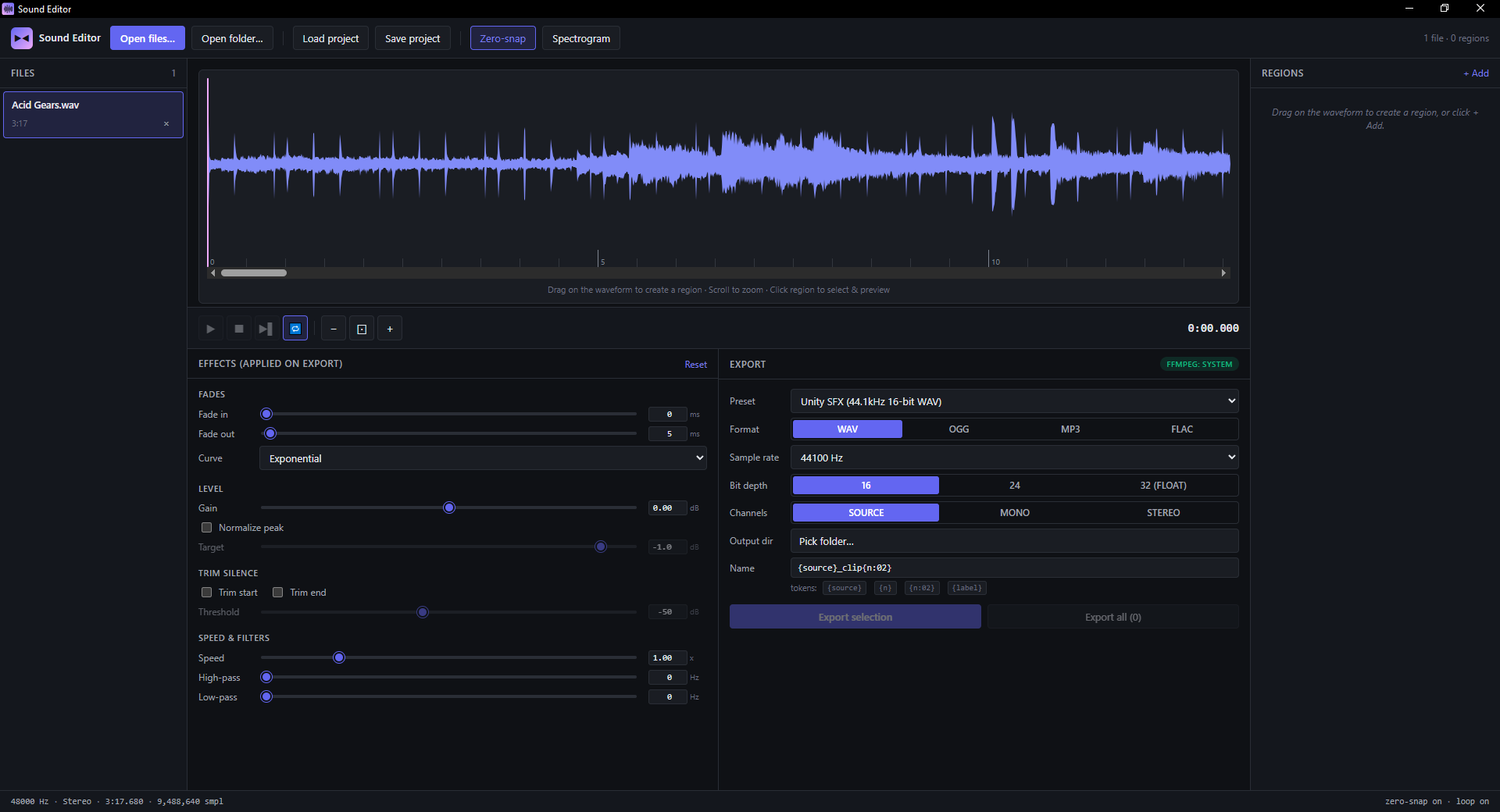
Built for one specific job: pulling short SFX clips out of long captures. Drop a file, drag a region, click Export. The clip is in your engine's folder in under five seconds — with the right format, the right bit depth, named the way you want.
/01 — WAVEFORM
Region drag, looped preview, zero-snap.
WaveSurfer.js v7 with mouse-wheel zoom, multiple regions per file, draggable start/end handles, looped live preview. Zero-crossing snap on cut points means no clicks or pops at the boundary — the editor walks ±1024 samples to find the nearest sign flip and snaps the marker there.
/02 — EFFECTS
Source untouched. Export gets the polish.
Fade in/out with linear, exponential, log, or S-curve shapes. Gain ±24 dB. Peak normalize. Trim leading/trailing silence with adjustable threshold. Speed 0.25× → 4×. Biquad high-pass + low-pass filters. All applied to the export — the source file is never modified.
Unity SFX
Godot SFX
Unreal SFX
Web OGG
MP3 96kbps
+ custom
/03 — EXPORT
Game-engine presets, name templates, batch.
Built-in presets for the engines that have opinions: Unity, Godot, Unreal each get their preferred WAV settings. Name templates with {source}, {n}, {n:02}, {label}. Multi-region per file → one click exports every clip.
/04 — FORMATS
WAV out of the box. MP3 / OGG / FLAC with FFmpeg.
The WAV encoder is pure-JS — works on a clean install with no system dependencies and supports the full 16 / 24 / 32-bit range. MP3, OGG/Vorbis, and FLAC are emitted by an FFmpeg sidecar; drop ffmpeg.exe next to the app (or install system-wide) and the format tabs light up automatically at startup.
explosion_01.wav
explosion_02.wav
footsteps.wav
jump.wav
→
explosion_01_a.wav2.3s
explosion_01_b.wav1.8s
explosion_02_a.wav3.1s
/05 — WORKFLOW
Project files. File queue. Batch the boring bit.
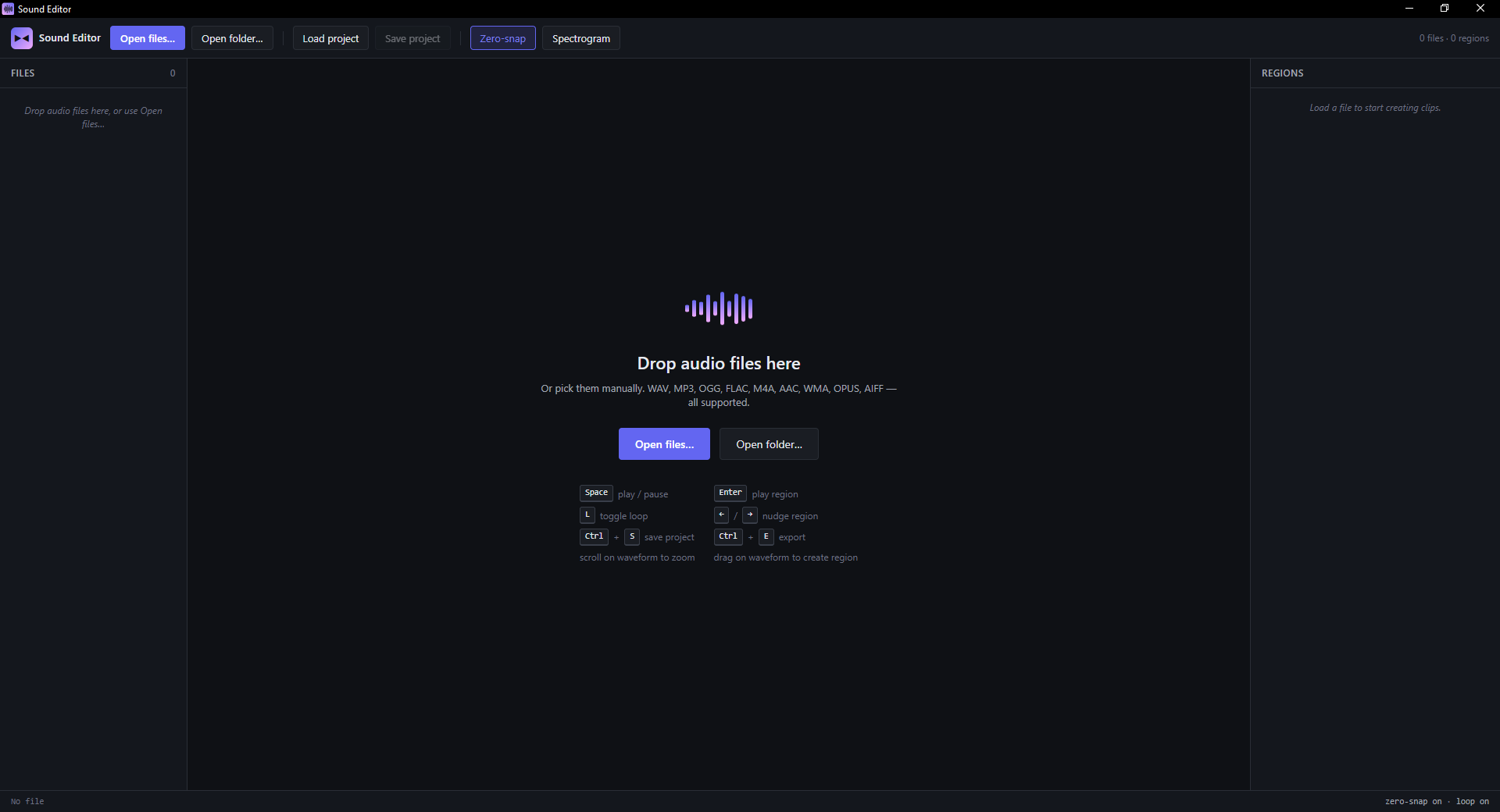
Load files individually or drop a whole folder. The sidebar queue persists regions and settings per source. Save the project as .json (paths + regions + export settings) and reload tomorrow exactly where you left off. Spectrogram toggle on the waveform if you need to see the frequency content.
Space
·
Enter
·
L
Z
·
←→
/06 — KEYBOARD
Everything is one key away.
Designed to be driven from the keyboard. Space plays, L loops, Z toggles zero-snap, arrow keys nudge the region (with Shift / Ctrl / Alt modifiers for whose-edge / how-far). Full shortcut sheet below.